If you've ever waited at a reception desk while a guard flips through a paper register looking for your name, you already understand the problem a digital gate pass system solves.
It replaces that manual, paper-based process with a connected digital workflow, managing how visitors, contractors, vendors, and guests are registered, verified, approved, and tracked as they move through a facility. Instead of writing details into a logbook, the system captures visitor information electronically and shares it instantly with the people who need it, such as security staff and the employee the visitor is meeting.
These systems play a role in several areas at once:
- Visitor management – registering and tracking anyone entering the premises
- Security – confirming that only verified, approved people gain access
- Employee access – supporting host approvals and internal notifications
- Facility management – keeping an accurate record of who is on-site at any time
Organizations are moving toward digital gate passes because manual registers are slow, easy to lose, and hard to search when something needs to be verified later. A digital system keeps everything centralized, searchable, and consistent across every entry point.
How Does a Digital Gate Pass System Work?
Quick Answer: The typical flow is visitor arrival, QR/OTP verification, host approval, digital gate pass generation, entry, checkout, and audit trail.
At a high level, here's the journey a visitor moves through: Visitor Arrival → QR/OTP Verification → Host Approval → Digital Gate Pass → Entry → Checkout → Audit Trail.
It's worth noting that the exact workflow can vary depending on an organization's specific security policies and how its system is configured. A hospital, a manufacturing plant, and a corporate office may each set up slightly different steps, even though they're using the same type of system. The sections below walk through each stage in detail.
Step 1: Visitor Arrives at the Premises
The process begins the moment a visitor reaches the office, factory, campus, residential community, or other facility.
At this point, the visitor identifies themselves at the security or reception desk, or at a self-service kiosk if one is available.
- Pre-registered visitors: If the visitor was invited in advance, their details may already exist in the system, which speeds up check-in considerably.
- Walk-in visitors: Visitors who arrive without prior registration can typically enter their required details digitally on the spot.
This digital registration step reduces manual paperwork and cuts down waiting time compared to filling out a physical visitor log by hand.
Step 2: Visitor Verification Using QR Code or OTP
Quick Answer: Verification confirms a visitor's identity through a QR code tied to their invitation or an OTP sent to their registered mobile number, checked against the original visit record.
Once basic details are captured, the system verifies that the person is who they claim to be.
QR code-based verification works by generating a unique QR code, usually sent with the visit invitation. The visitor presents this code at the gate or kiosk, and the system scans it to confirm the details match.
OTP-based verification sends a one-time password to the visitor's registered mobile number. Entering this OTP confirms that the person checking in is linked to that phone number and, by extension, to the original registration.
In both cases, the visitor's details are checked against the visit invitation or registration record already on file. This step matters because it helps prevent unauthorized or fraudulent entries; someone can't simply claim to be an invited visitor without matching credentials.
Organizations can also configure additional verification requirements when their security needs call for it, such as extra ID checks for high-security areas.
Step 3: Host Receives and Approves the Visit
No Credit Card Required!
Start Your Free Trial Today
Experience all the amazing functionalities of VizMan with our 14-day free trial. No commitment, full access to all features.
Register NowQuick Answer: The system notifies the employee the visitor is meeting, and that host must approve or reject the request before entry proceeds.
After verification, the system identifies the employee or host the visitor wants to meet and sends them an approval notification, typically through an app, SMS, or email.
The host then has the ability to approve or reject the visitor request in real time. This step acts as an additional security checkpoint, meaning entry doesn't rely on the front desk alone. It gives the actual person being visited a say in who is let in.
Real-time approval matters most for offices and high-security facilities, where confirming that a specific employee is expecting a specific visitor, at that specific time, adds a meaningful layer of protection.
Step 4: Digital Gate Pass Is Generated
Quick Answer: Once a host approves the visit, the system automatically generates a digital gate pass containing the visitor's details, a QR code or pass ID, and a validity period.
Once approval is granted, the system generates a digital gate pass. This pass typically contains:
- Visitor name
- Photo
- Visit purpose
- Host or department
- Date and time
- QR code or unique pass ID
- Validity period
This information allows security personnel to quickly verify the pass at the gate without needing to cross-check multiple paper records. The pass can usually be displayed on the visitor's smartphone or another authorized device, so there's nothing physical to print, carry, or misplace.
Step 5: Visitor Enters the Premises
Quick Answer: Security verifies the digital gate pass at the entry point, and the system logs a timestamped entry record.
With a valid digital gate pass in hand, the visitor proceeds to the entry point, where security staff verify the pass, often by scanning its QR code.
Depending on the organization's workflow, this stage may include additional checks, such as ID verification or the issuing of a physical badge for use inside the premises.
As entry is confirmed, the system creates a timestamped record of the visitor's arrival. This timestamp becomes part of the permanent visitor log. The benefit here is straightforward: entry becomes faster and more controlled compared to manually writing down arrival times.
No Credit Card Required!
Start Your Free Trial Today
Experience all the amazing functionalities of VizMan with our 14-day free trial. No commitment, full access to all features.
Register NowStep 6: Visitor Checks Out
Quick Answer: When leaving, the visitor checks out through the security desk, a QR scan, or a kiosk, and the system records the exact exit time.
Checkout is just as important as check-in. When a visitor is ready to leave, they check out through whichever method the organization has configured, such as a security desk, a QR scan, a kiosk, or another digital workflow.
The system then records the exit time. Accurate checkout data matters for a few practical reasons:
- Knowing who is currently inside the building at any given moment
- Emergency evacuation, where an accurate headcount can be critical
- Security monitoring, to flag anyone who hasn't checked out as expected
- Accurate visitor records, for reporting and compliance purposes
Step 7: Visitor Audit Trail Is Created
Quick Answer: An audit trail is a chronological digital record of every major action taken during a visitor's journey, from registration to checkout.
Throughout the entire process, the system builds an audit trail: a detailed, time-ordered record of everything that happened during that visit.
A typical audit trail may include:
- Registration time
- Verification status
- Host approval or rejection
- Gate pass generation
- Entry time
- Checkout time
- Relevant security actions
Authorized teams can use these records for security reviews, compliance checks, and internal reporting. Because the data is centralized and searchable, pulling up the history of a specific visitor or a specific day becomes far easier than digging through paper logs.
Digital Gate Pass System Workflow at a Glance
Here's the complete process in one visual summary:
- Visitor Registration
- QR/OTP Verification
- Host Notification
- Host Approval
- Digital Gate Pass Generated
- Gate Verification & Entry
- Visitor Checkout
- Audit Trail & Reports
No Credit Card Required!
Start Your Free Trial Today
Experience all the amazing functionalities of VizMan with our 14-day free trial. No commitment, full access to all features.
Register NowWhat Happens in Different Visitor Scenarios?
Not every visitor follows the exact same path. Here's how the workflow generally adapts:
- Pre-registered visitors: Registration is already complete, so check-in is faster.
- Walk-in visitors: Register on the spot, then move through verification and approval.
- Contractors: Follow similar registration and approval steps, with details specific to their work.
- Vendors: Follow the standard verification and approval flow for their department.
- Interview candidates: Usually pre-registered by HR, with the recruiter or hiring manager acting as host.
- Repeat visitors: May check in faster if prior details are still on file.
- Visitors without prior approval: Must complete full registration and verification before approval can be requested.
- Rejected or expired gate passes: Are not valid for entry, requiring a new approval or fresh registration.
Key Benefits of a Digital Gate Pass System
A digital gate pass system offers a range of practical business outcomes:
- Faster visitor check-in
- Reduced paperwork
- Better access control
- Real-time host notifications
- Improved visitor tracking
- Accurate entry and exit records
- Better emergency preparedness
- Centralized visitor data
- Easier reporting and audits
- Improved visitor experience
Digital Gate Pass vs. Traditional Paper Gate Pass
| Traditional Gate Pass | Digital Gate Pass |
|---|---|
| Manual data entry | Digital registration |
| Paper-based records | Centralized digital records |
| Manual host communication | Automated notifications |
| Difficult to track | Real-time tracking |
| Easy to lose or damage | Digitally accessible |
| Manual reporting | Automated reports |
| Limited audit visibility | Detailed audit trail |
How Secure Is a Digital Gate Pass System?
Quick Answer: Security in a digital gate pass system comes from combining identity verification, host approval, time-bound passes, and detailed audit logs, though actual security also depends on how an organization configures and manages the system.
Security in these systems typically comes from layering several safeguards together, rather than relying on any single check:
- Identity and visitor verification
- QR/OTP validation
- Host approval
- Time-bound passes
- Role-based access
- Digital records
- Audit logs
- Data protection practices
- Configurable access policies
It's worth being direct here: no system is automatically secure just because it's digital. How secure a deployment actually is depends heavily on how an organization configures these features, enforces its policies, and protects the underlying data.
Who Can Benefit From a Digital Gate Pass System?
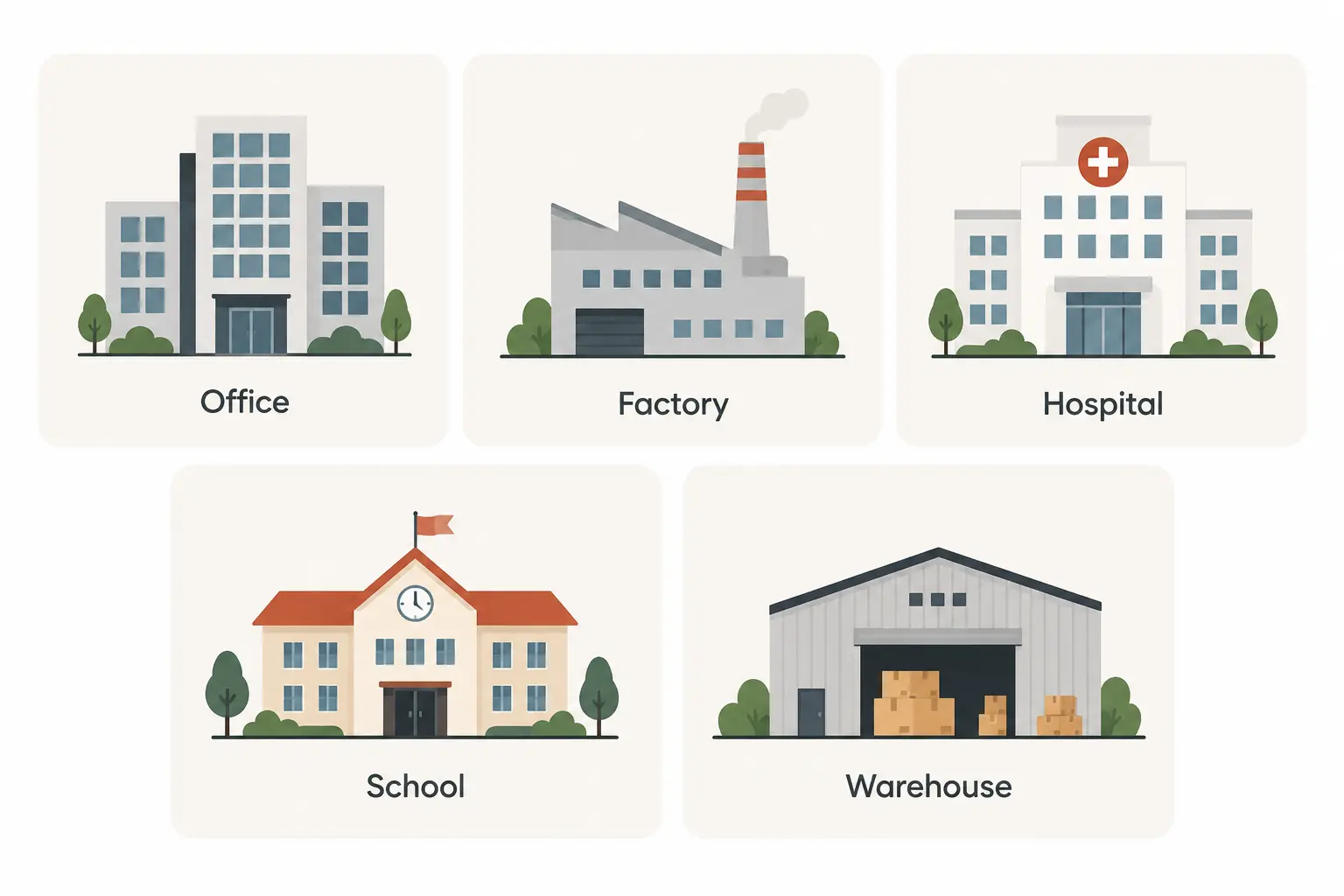
This type of system applies to a wide range of facilities, including:
- Corporate offices
- Manufacturing facilities
- IT parks
- Educational institutions
- Hospitals
- Residential communities
- Warehouses and logistics facilities
- Government facilities
- High-security premises
Best Practices and Common Mistakes (Checklist)
Quick Answer: Getting the most out of a digital gate pass system means enforcing verification and host approval consistently, and treating checkout and audit logs as seriously as check-in.
Best Practices for a Smooth Digital Gate Pass Workflow
During Registration and Verification
- Encourage pre-registration to speed up verification on arrival.
- Keep QR/OTP verification mandatory to preserve the security checkpoint.
- Add extra verification steps for high-security zones rather than a single blanket policy.
During Host Approval and Entry
- Ensure host approval notifications reach hosts in real time.
- Define an escalation path for unresponsive hosts, based on organizational policy.
- Enforce the pass's validity period so it can't be reused outside its intended window.
Common Mistakes Organizations Make
Verification and Approval Mistakes
- Skipping verification for "familiar" repeat visitors, weakening the checkpoint.
- Allowing entry before host approval is confirmed, removing that safeguard.
Checkout and Audit Trail Mistakes
- Treating checkout as optional, leaving no accurate picture of who is on-site.
- Collecting audit trail data but never reviewing it for security or compliance.
No Credit Card Required!
Start Your Free Trial Today
Experience all the amazing functionalities of VizMan with our 14-day free trial. No commitment, full access to all features.
Register NowConclusion
From the moment a visitor arrives to the moment they check out, a digital gate pass system connects every step of that journey: verification, host approval, access control, and recordkeeping into a single, traceable workflow. Instead of relying on paper logs and manual coordination, organizations get real-time visibility into who is on-site, why they're there, and when they left.
Digitizing gate pass management doesn't just make the front desk faster. It helps organizations build a more secure, efficient, and traceable visitor experience, one that scales across offices, campuses, hospitals, and high-security facilities alike.
Key Takeaways
- A digital gate pass system replaces manual, paper-based visitor logs with a connected digital workflow.
- The core process moves through registration, QR/OTP verification, host approval, gate pass generation, entry, checkout, and audit trail creation.
- Verification methods commonly include QR codes and OTPs sent to a visitor's registered mobile number.
- Host approval adds a real-time security checkpoint before a visitor is allowed in.
- Audit trails give organizations a searchable, chronological record for compliance and security reviews.
- Security depends on combining several safeguards together, not on any single feature.
- These systems apply across offices, factories, hospitals, campuses, and high-security facilities.