A factory or manufacturing plant gate is busy all day. Customers, suppliers, contractors, drivers, and auditors all arrive with different needs. Without a clear process, you get long queues, missing records, and no simple answer to one question: who is inside the factory right now?
This guide explains how a Visitor Management System works at a factory gate. You will find entry and exit steps, who does what, safety rules, daily reports, and checklists you can adapt for your own site. Along the way, you will also see how VizMan, a digital visitor management system, handles each gate task.
What Is a Visitor Management System?
Definition: A Visitor Management System is a way to record every person who enters and leaves a site. It shows who they are, why they came, who approved them, and when they arrived and left. It can run on paper or on software.
Quick Answer: A factory uses a visitor management system to know who is on site, who approved them, and when they left. This supports safety, security, and clear records.
Why Is It Needed at Factory Gates?
The gate is the first place where you can control who comes in. A fixed process makes sure each person is identified, approved, given safety instructions, and recorded before going further.
Key Benefits
- Better security: every visitor is identified and approved before entry, and each visit is tracked from arrival to exit.
- Safer site: visitors get safety instructions and a PPE check first.
- Accurate records: entry and exit times are kept in one place.
- Less paperwork: digital visitor logs cut handwriting errors and paper handling.
- Easier audits: you keep a clear audit trail that can be searched and exported as reports.
- Faster emergency checks: you can see who is inside at any time.
Definition: PPE means personal protective equipment, such as helmets, safety shoes, and bright safety vests. The items you need depend on your site's rules.
Who Can Visit the Factory?
Visitors have different needs, so the gate team should know the main groups. A host is the employee who invites or meets the visitor.
| Visitor type | Who they are | What the gate should check |
|---|---|---|
| Customers and business visitors | Buyers and partners who meet your team | Host approval and a visitor pass |
| Vendors and suppliers | Companies that sell you goods or services | Reason for the visit and host confirmation |
| Contractors and service engineers | Repair and maintenance workers | Work details, safety briefing, and tools they carry |
| Delivery personnel and drivers | People who bring or collect goods | The driver, the vehicle, and the goods |
| Auditors, inspectors, and other guests | People who review or inspect your site | Clear ID and an assigned host |
How the Visitor Management System Works
The Visitor Journey
At entry, the visitor arrives, shows ID, is registered, gets host approval, hears the safety rules, and receives a pass. At exit, the visitor returns the pass, the exit time is saved, any goods are checked, and the record is closed.
Manual Versus Digital Visitor Management
| Area | Paper register | Digital system |
|---|---|---|
| Recording | Written by hand | Typed or scanned |
| Reading records | Handwriting can be hard to read | Digital visitor logs are clear to read |
| Searching | Flip through pages | Search by name, date, or host |
| Who is inside | Hard to tell | A real-time view of who is on site and for how long |
| Host approval | Phone call or message | Request sent and saved in the system |
| Reports | Made by hand | Created from saved data |
Key Features of the System
Features differ from one product to another. These are the ones VizMan lists for factories and manufacturing plants:
- QR code and OTP check-in: visitors scan a QR code or use an invite code, and an OTP confirms who they are.
- Pre-registration and invites: hosts invite guests ahead of time, with optional approval rules.
- Host alerts: hosts get a message by SMS, email, or in the app when their visitor arrives.
- Multi-visit passes: regular contractors and vendors do not need to register every day.
- Courier and gate pass records: log deliveries, print courier slips, and track materials in and out.
- Blocked visitor list: security can see who is not allowed in.
- Real-time visitor status: see who is on site and for how long.
- Logs and reports: export visitor logs and reports for any date range.
- Role-based screens: admin, security, reception, and host each see what they need.
- Printed or digital passes: issue a printed badge or an ePass.
Pros and Cons of Going Digital
Pros
- Clear, searchable records
- A live view of visitors inside the factory
- Less handwriting and paper handling
- The same steps for every visitor
Cons
- Staff need training before launch
- Gate work can slow down if the system or network stops, so you need a backup plan
- Setup takes planning
Step-by-Step Visitor Entry Process
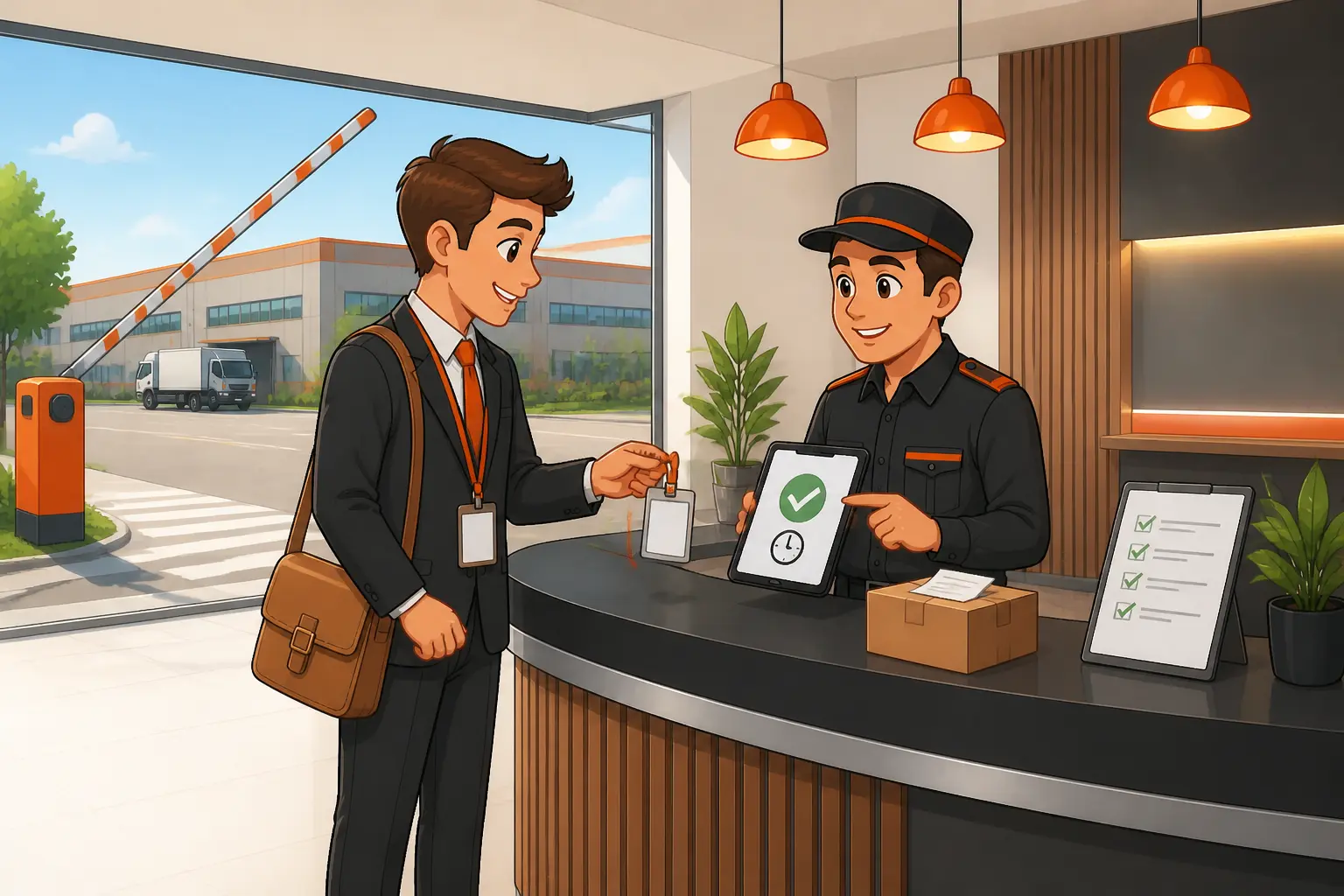
- Visitor arrives at the gate. Security says hello and asks who the visitor is meeting and why.
- Security checks identity. The guard checks the visitor's ID. This confirms the person is who they say they are.
- Visitor registration. Details are typed into the system. If the visit was added earlier, the guard confirms the details instead. With VizMan, the visitor can also scan a QR code or use an invite code, and an OTP confirms who they are.
- Host approval. The host confirms the visit. No approval means no entry. In VizMan, admins can turn on approval rules, and hosts get an alert when their visitor checks in.
- Safety instructions and PPE check. The visitor hears the site safety rules. Security checks that the visitor wears the required PPE.
- Visitor pass issuance. A pass is printed or created in the system. The visitor wears it where staff can see it. VizMan can issue a printed badge or a digital ePass.
- Entry authorization. The gate lets the visitor in and sends them to the host or the approved area.
Step-by-Step Visitor Exit Process
- Visitor reports to the exit gate. Visitors should not leave without passing the gate.
- Visitor pass or access card is returned. This stops old passes from being used again.
- Exit time is recorded. The system now shows the visitor as out.
- Materials or equipment are checked, if needed. Compare what leaves with what came in. VizMan also records courier in and out, and gate pass entries for materials.
- Visitor record is closed. A closed record means nobody is wrongly counted as inside.
Roles and Responsibilities
| Role | Main duties |
|---|---|
| Gate security team | Greet visitors, check ID, enforce rules, record entry and exit |
| Visitor or reception desk | Register visitors and issue passes, where your site has a desk |
| Host employee | Approve the visit, meet the visitor, escort them if needed, confirm they left |
| Factory administration | Set the visitor policy and approve the procedures |
| Safety and security managers | Set safety rules, review incidents, and check that rules are followed |
Exact duties vary by site, so write them down for your team.
Special Entry Procedures
- Visitors without appointments: register them as usual and contact the host first. If the host cannot approve, the visitor waits or leaves.
- Contractors and maintenance personnel: record the work they will do, give the safety briefing, and check any tools or equipment they bring. A multi-visit pass saves regular contractors from registering every day.
- Delivery drivers and transport vehicles: record the driver and the vehicle, then direct them to the right area. A QR code or invite code at the gate helps drivers check in faster.
- VIPs and government inspectors: keep the core steps of ID check and recording. Your policy decides any changes, such as a ready host or escort.
- Visitors entering restricted areas: a restricted zone is an area only approved people may enter. These visitors need specific approval, a pass that shows the allowed areas, and an escort if your policy says so.
Factory Security and Safety Rules

- Identity check and access approval: no ID check and no approval means no entry.
- Visitor badges and restricted zones: the pass shows where the visitor may go. Visitors stay inside those areas.
- Safety induction and PPE: an induction is a short safety briefing. Every visitor gets one and wears the required PPE.
- Photography and mobile phone limits: tell visitors the rules at the gate. Your site sets the exact limits.
- Emergency evacuation: visitors must know the assembly point (the safe meeting place) and follow their host. A live list of visitors inside makes headcounts easier.
How to Use the Digital System
Screens differ by product, so these are the general tasks.
- Register a new visitor: enter the name, company, host, and reason for the visit. Add ID details if your policy asks for them.
- Approve or reject a visit: the host reviews the request and replies. Note the reason for any rejection.
- Print or create a visitor pass: issue the pass only after approval and the safety briefing.
- Record entry and exit: save the time at the gate when the visitor arrives and when they leave.
- Search records and make reports: filter by date, host, visitor, or status.
How VizMan Helps at the Factory Gate
Factory gates slow down for the same few reasons. This table shows how VizMan handles each one, based on what VizMan lists for factories and manufacturing plants.
| Gate problem | How VizMan helps |
|---|---|
| Trucks and drivers wait in a queue | Drivers scan a QR code or show an invite code to check in fast |
| Contractors register again every day | A multi-visit pass lets regular contractors sign in without full re-registration |
| Parcels and parts get misplaced | Courier in and out records with printable slips, plus gate pass entries for materials |
| The gate has no list of expected visitors | Hosts create invites, and admins see all scheduled visits for the day in one place |
| Security cannot tell who is allowed in | A blocked visitor list and optional approval rules |
| Audits need clear records | Visitor logs and reports that can be exported for any date range |
VizMan also works on phones and tablets, so the guard can check visitors right at the gate.
Common Problems and Solutions
| Problem | What to do |
|---|---|
| Host is unavailable | Call a named backup host. Without approval, the visitor does not enter. |
| Visitor ID is missing | Do not allow entry until identity is confirmed in a way your policy accepts. |
| Approval is delayed or rejected | Keep the visitor at the gate or reception. Record the result. |
| Visitor pass is lost | Report it, cancel the old pass if the system allows, issue a new one, and note the event. |
| System or network is unavailable | Use a backup paper register. Enter the records in the system when it works again. |
| Visitor fails to check out | Check the late exit report, call the host, and confirm where the visitor is. |
Reports and Daily Monitoring
- Daily visitor register: a full list of who visited that day, plus a calendar of the visits scheduled for the day.
- Visitors currently inside the factory: the most useful list in an emergency.
- Pending approvals: shows which requests are stuck.
- Overdue visitor exits: shows visitors who may not have checked out.
- Security incidents and exceptions: helps you follow up and review.
Check these reports at fixed times each day so problems do not pile up. For audits, you can export visitor logs for any date range.
Implementation, Training, and Improvement
- System setup and configuration: decide your visitor types, approval rules, restricted zones, and pass format. In VizMan, admins can also upload users in bulk from Excel, which helps when you set up more than one site.
- Staff training: train gate security, hosts, and administrators on their own tasks. VizMan runs in a phone or tablet browser and is built to need little training.
- Standard operating procedures (SOPs): an SOP is a written set of steps everyone follows. Write one for entry, exit, and problem cases.
- Performance monitoring: watch late exits, pending approvals, and exceptions.
- Periodic review and improvement: review rules and training on a regular schedule and when the site changes.
Quick Reference and Checklists
Gate Security Checklist
- Gate is staffed and the system works
- Backup paper register is ready
- ID rules are clear to the team
- Host contact list is up to date
- Restricted zone rules are clear
Visitor Entry Checklist
- Reason for visit and host confirmed
- ID checked
- Visitor registered
- Host approval received
- Safety briefing given and PPE checked
- Pass issued and worn where it can be seen
Visitor Exit Checklist
- Visitor came to the exit gate
- Pass or card returned
- Exit time recorded
- Materials or equipment checked, if needed
- Record closed
Emergency Response Checklist
- Open the list of visitors currently inside
- Send visitors to the assembly point
- Hosts confirm their visitors are present
- Compare the headcount with the visitor list
- Tell the safety team about anyone missing
Sample Visitor Pass and Register Fields
These are suggested fields. Change them to match your policy.
| Visitor pass | Visitor register |
|---|---|
| Visitor name | Date |
| Company | Visitor name and company |
| Host name | Host name |
| Date and time in | ID type checked |
| Allowed areas | Time in and time out |
| Pass number | Pass number and remarks |
Common Mistakes to Avoid
| Mistake | Why it happens | How to avoid it |
|---|---|---|
| Letting a visitor in before host approval | The visitor seems in a hurry or the host is hard to reach | Keep a backup host list and a firm rule of approval first |
| Skipping the safety briefing for short visits | The visit looks quick and low risk | Give the same briefing to every visitor |
| Not collecting passes | Visitors leave in a rush | Make pass return part of the exit steps |
| Ignoring late exits | Nobody owns the report | Assign one person to check it daily |
| No plan for system downtime | The team only plans for normal days | Keep a paper register and a restart routine |
Conclusion
A visitor management system gives a factory gate one clear routine: identify, register, approve, brief, and record. The same care at exit keeps records correct, so you always know who is inside.
Key Takeaways
- Every visitor needs an ID check, host approval, and a safety briefing before entry.
- Every visitor needs a pass return and a closed record at exit.
- Each role needs written duties.
- Daily reports show who is inside, what is pending, and who is late.